Oxford-IIIT Pet Dataset
The Oxford-IIIT Pet Dataset contains 7,349 images of 37 pet breeds (25 dog, 12 cat), with ~200 images per category.
After downloading, the dataset has the following structure:
images/           7,349 .jpg images
annotations/
    trimaps/      7,349 .png segmentation masks
    list.txt      image list with class labels
    trainval.txt  train/val split
    test.txt      test split
Each image has a corresponding PNG mask in trimaps/ encoding three regions:
| Pixel value | Region |
|---|---|
| 1 | Foreground (animal) |
| 2 | Background |
| 3 | Boundary |
Image Import
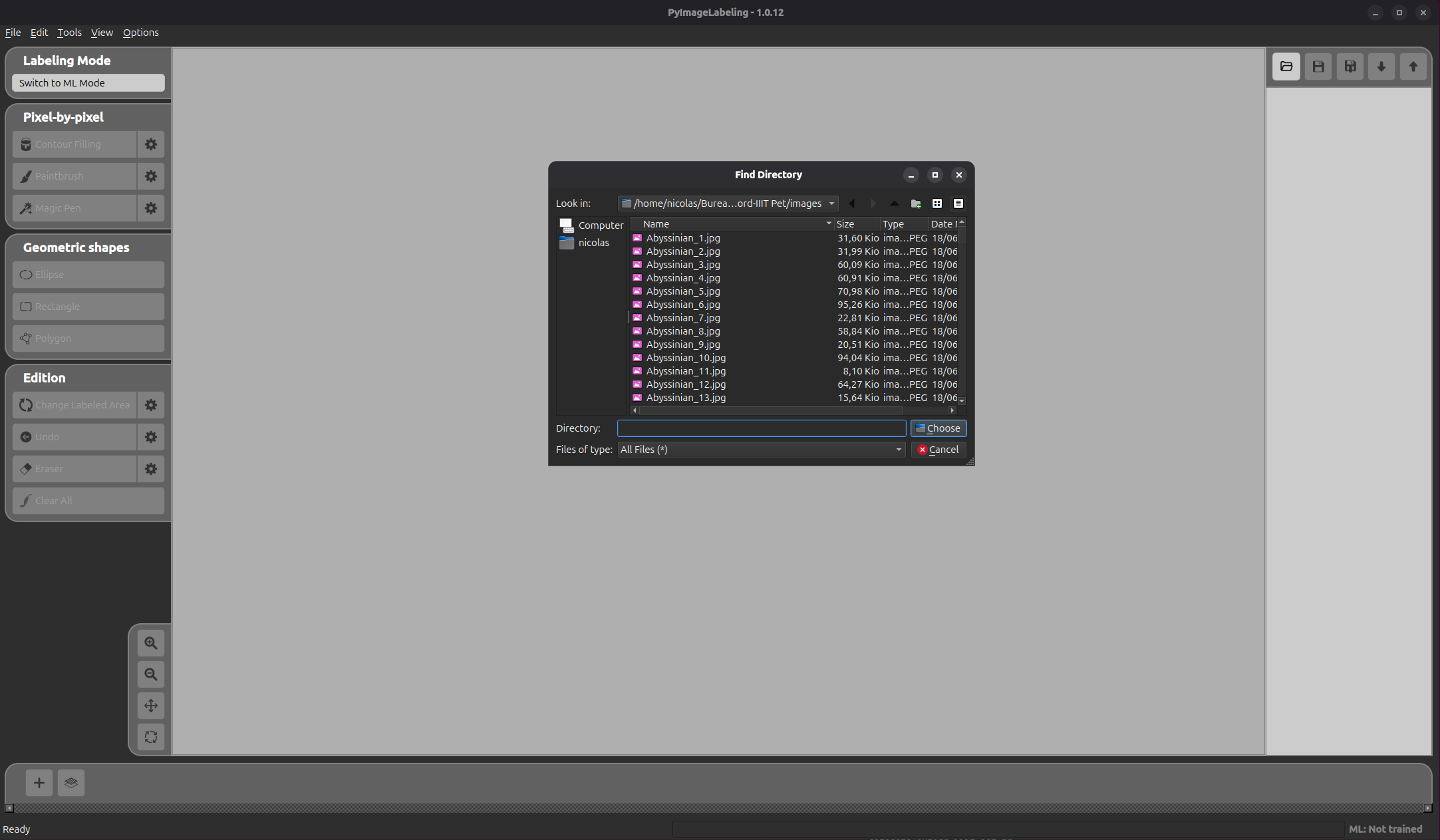
Click the open folder button (  ) to open the folder selection dialog, then navigate to the
 images/ folder of the dataset and click Choose.
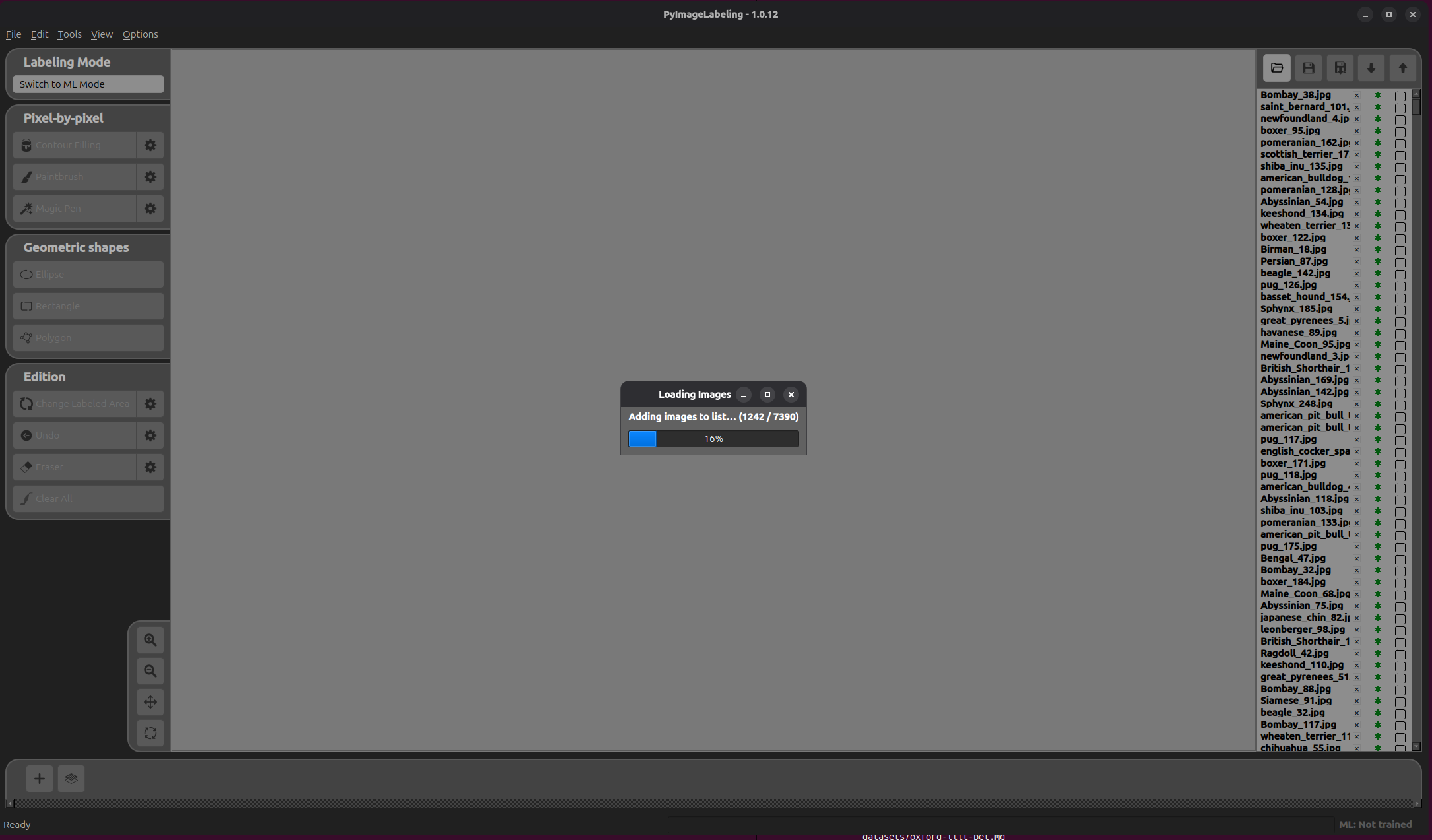
PyImageLabeling will then load all images from the folder. A progress dialog shows the import status.
Annotation Import
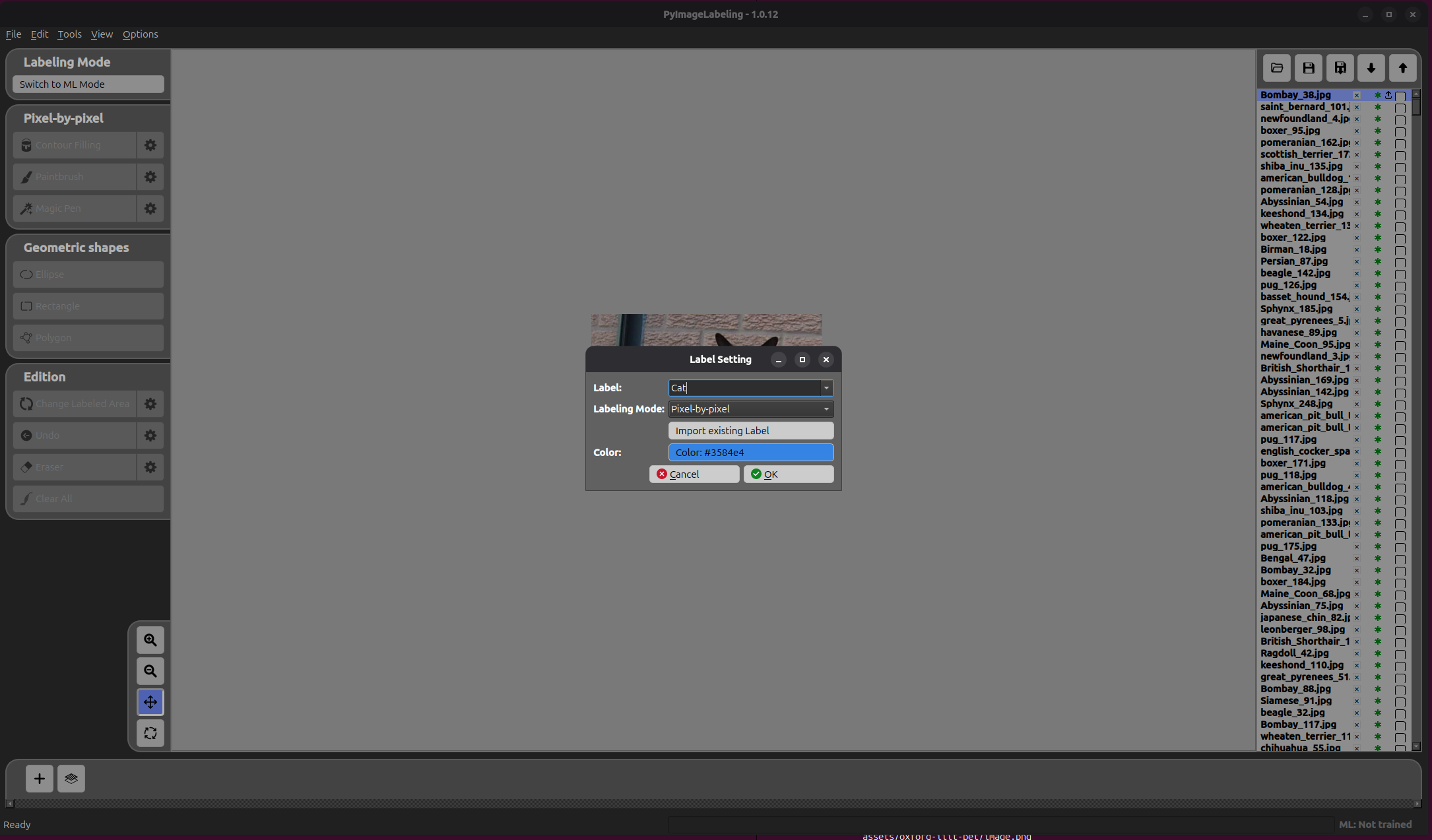
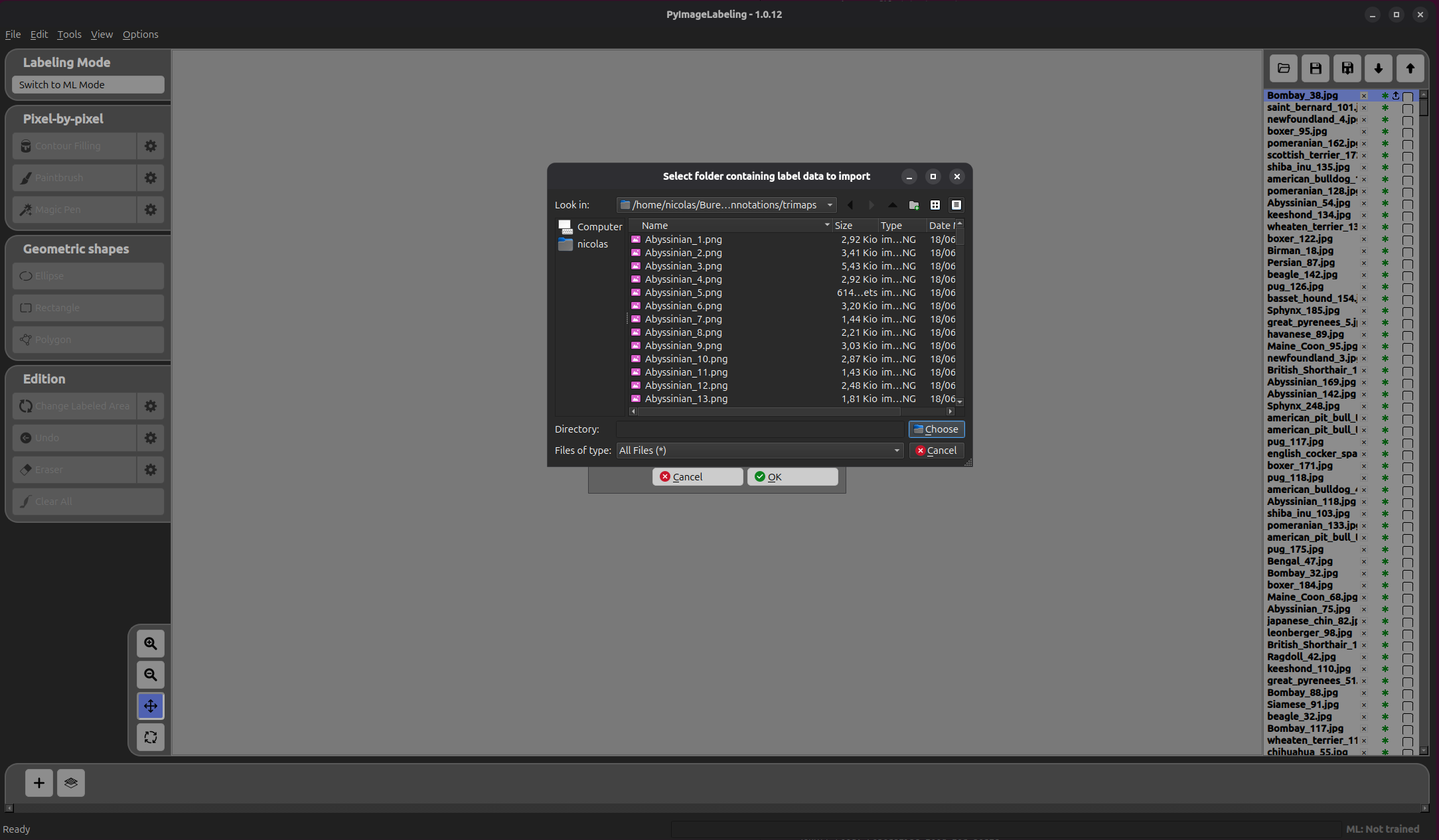
Click the add label button (  ) to open the Label Setting form. Fill in the fields, then click Import Existing Label to select the annotations folder.
Navigate to the annotations/trimaps/ folder of the dataset and click Choose.
An Annotation Import Form then appears to configure how the masks should be interpreted.
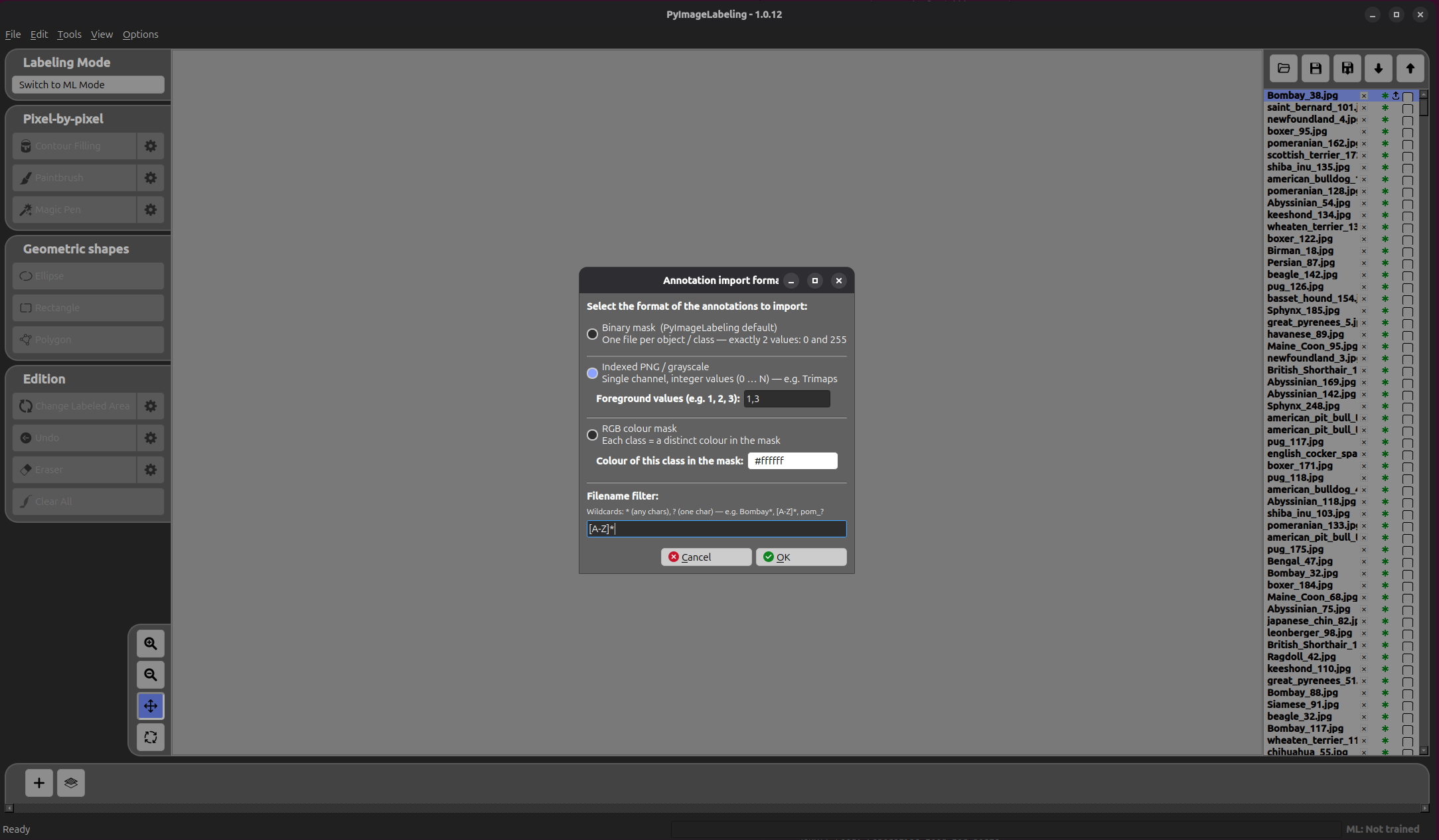
- Format — select Indexed PNG since the trimaps are 8-bit single-channel PNG files.
- Foreground values — set to
1, 3to include both the animal body (value1) and its boundary (value3), capturing the full pet silhouette. - Filename filter — set to
[A-Z]*to only import files whose name starts with an uppercase letter. In this dataset, cat breeds start with an uppercase letter (e.g.Abyssinian_1.png), while dog breeds start with a lowercase letter (e.g.american_bulldog_1.png). This filter restricts the import to cats only.
Click OK to confirm.
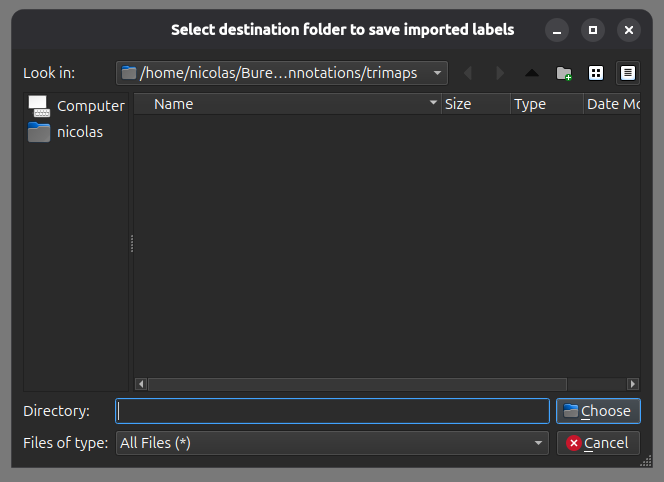
A final dialog then asks for the destination folder where PyImageLabeling will save its annotation files. Select the desired folder and click Choose.
Finally, click OK in the Label Setting form to complete the import.
Repeat the same operation to create a second label for dogs. This time, set the Filename filter to [a-z]* to match only files starting with a lowercase letter, which correspond to dog breeds in this dataset.
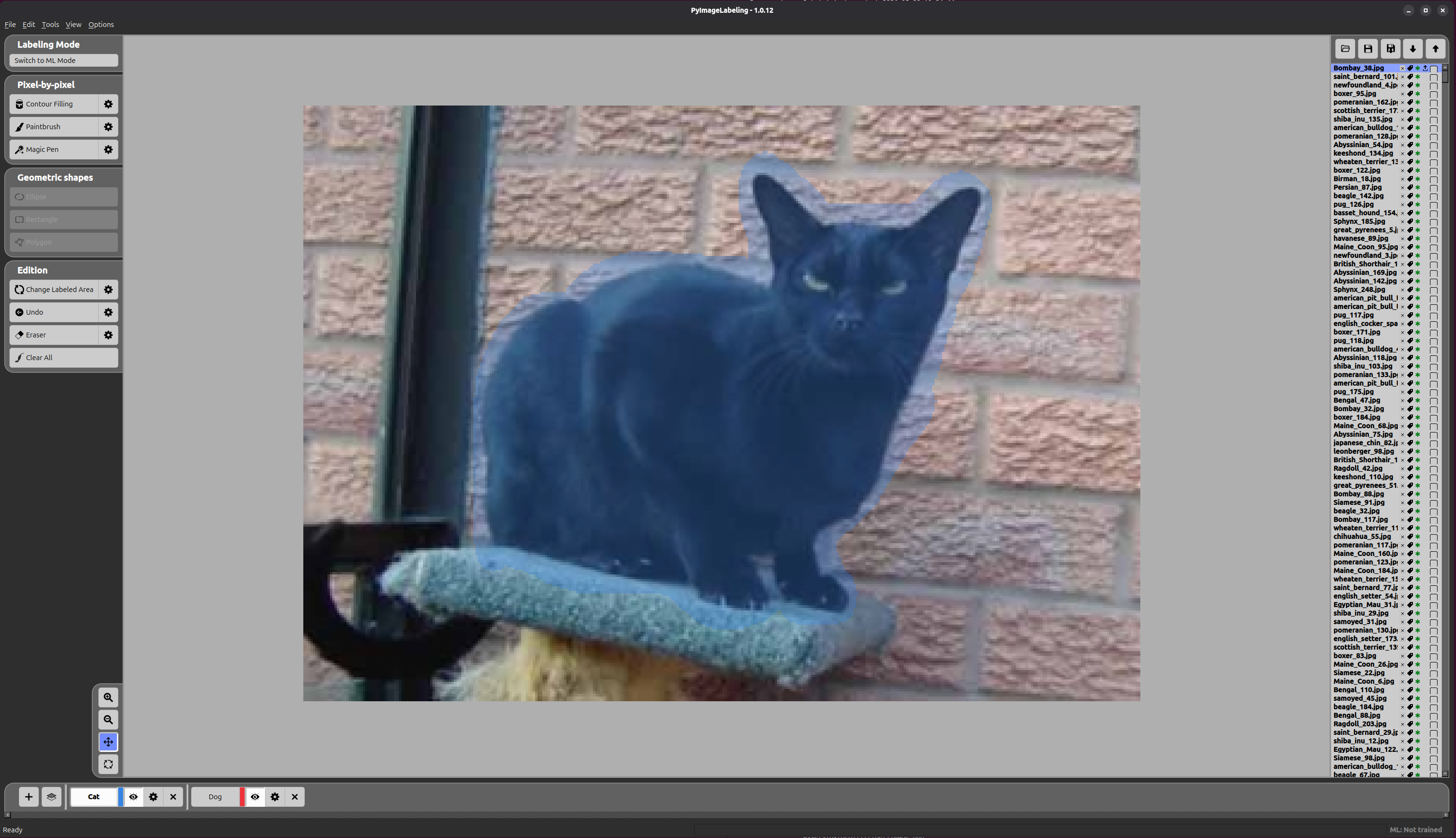
The result is shown below — the cat is fully labelled with its annotation mask applied.