PyImageLabeling


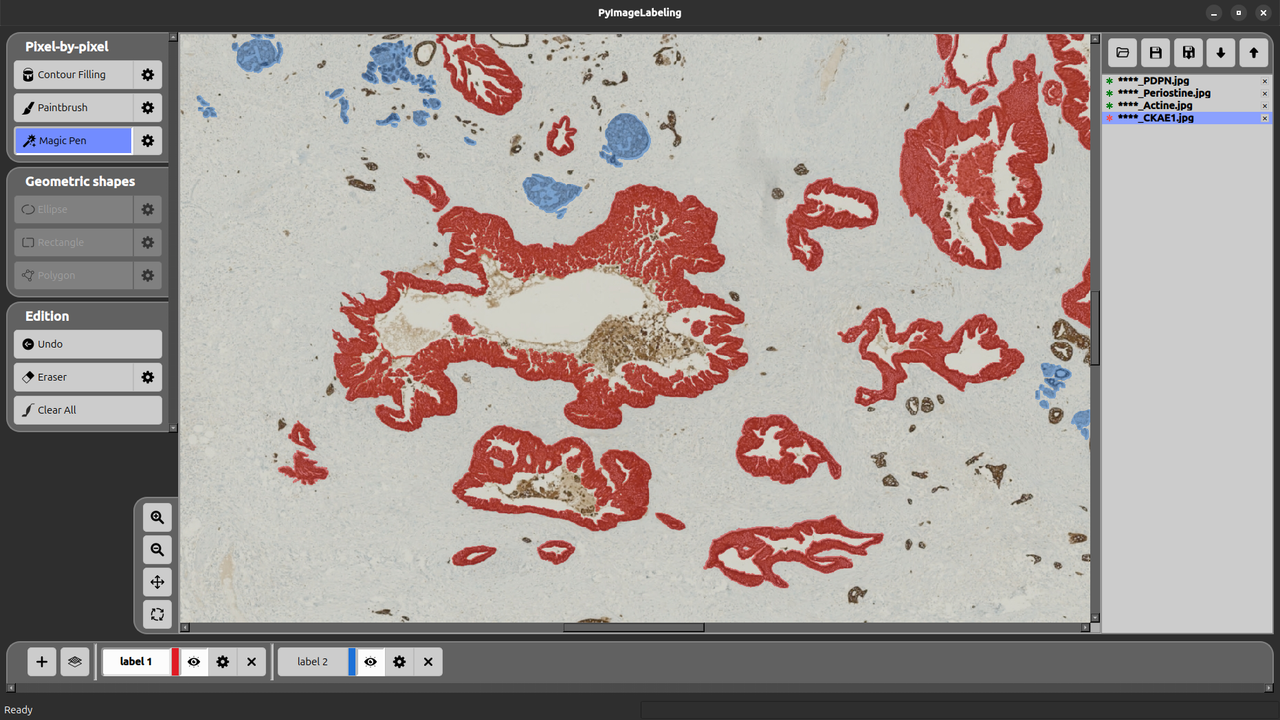
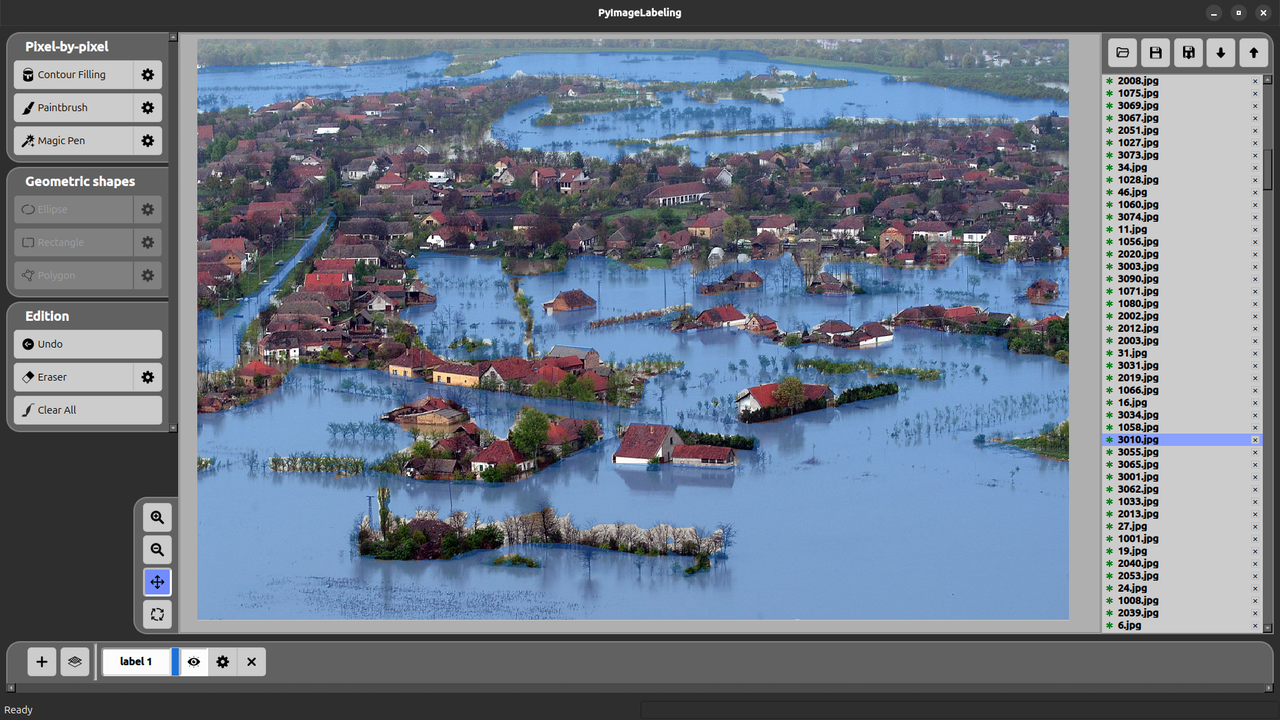
PyImageLabeling is a PyQt6 desktop application for creating image annotation masks used in computer vision machine learning. It combines precise labeling tools with an integrated ML training pipeline, all in a single interface.
Labeling Mode
Two complementary labeling strategies are available, each with its own set of tools.
Pixel-by-Pixel
Annotate images at pixel-level precision:
- Paintbrush — free-hand painting with configurable brush size
- Magic Pen — automatically selects pixels by color similarity (magic wand)
- Contour Filling — fills a closed region delimited by a drawn contour
- Eraser — removes pixels from the current annotation layer
- Undo — step-by-step undo history with memory-efficient storage
Geometric Shapes
Annotate images quickly using geometric primitives:
- Polygon — draw any closed shape vertex by vertex
- Rectangle — axis-aligned bounding boxes
- Ellipse — elliptical region selection
Common Features
- Multiple labels per image, each with its own color, name, and visibility toggle
- Opacity control per label for easy overlay review
- Zoom & pan with a zoomable canvas
- Auto-save every 5 minutes (configurable)
- Masks are saved as binary PNG files (black background, white pixels where labeled), one file per label per image
ML Mode
Once images are annotated, PyImageLabeling provides an integrated machine learning pipeline powered by PyTorch:
- Training — train a custom object detection and/or segmentation model directly from your annotations, with a background worker that keeps the UI responsive
- ~30 backbone architectures available (torchvision models), with configurable hyperparameters (epochs, batch size, learning rate, image size, confidence threshold…)
- Auto-detected training mode: detection only, segmentation only, or both — based on what annotations are present
- Prediction — run the trained model on new images to pre-fill annotations
- Export — export datasets in YOLO or COCO format for use with other frameworks