Using a Docker Image

We provide a Docker container. It launches a Jupyter Notebook server with all PyXAI features enabled. This is the recommended approach for Windows and Mac OS users who want a ready-to-use environment without any local setup.
Build the container (run from the root of the cloned repository):
docker build -t pyxai .
Run the container (mounts the current directory as /data inside the container):
docker run -it -p 8888:8888 -v $PWD:/data pyxai
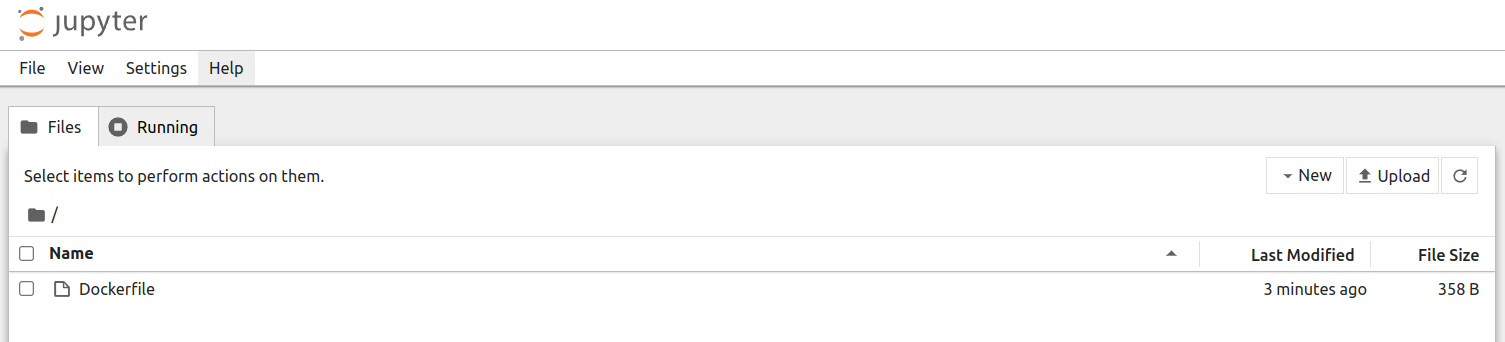
Then open the URL displayed in the terminal (e.g. http://127.0.0.1:8888/...) in your browser to access the Jupyter Notebook interface.